OnNet Yönetim
Web panel for library, school and institution networks
- 2026
- Live
- Web
- Product, Design, Frontend, Backend, Infrastructure
The situation
An institution offering public Wi-Fi is responsible for two things at once: keeping harmful content off its network and keeping the logs the law requires. In most places both are left to the router's defaults. Once a visitor learns the password, nobody knows who is connected, and when a complaint arrives there is no answer to "which device was where at that hour".
What we built
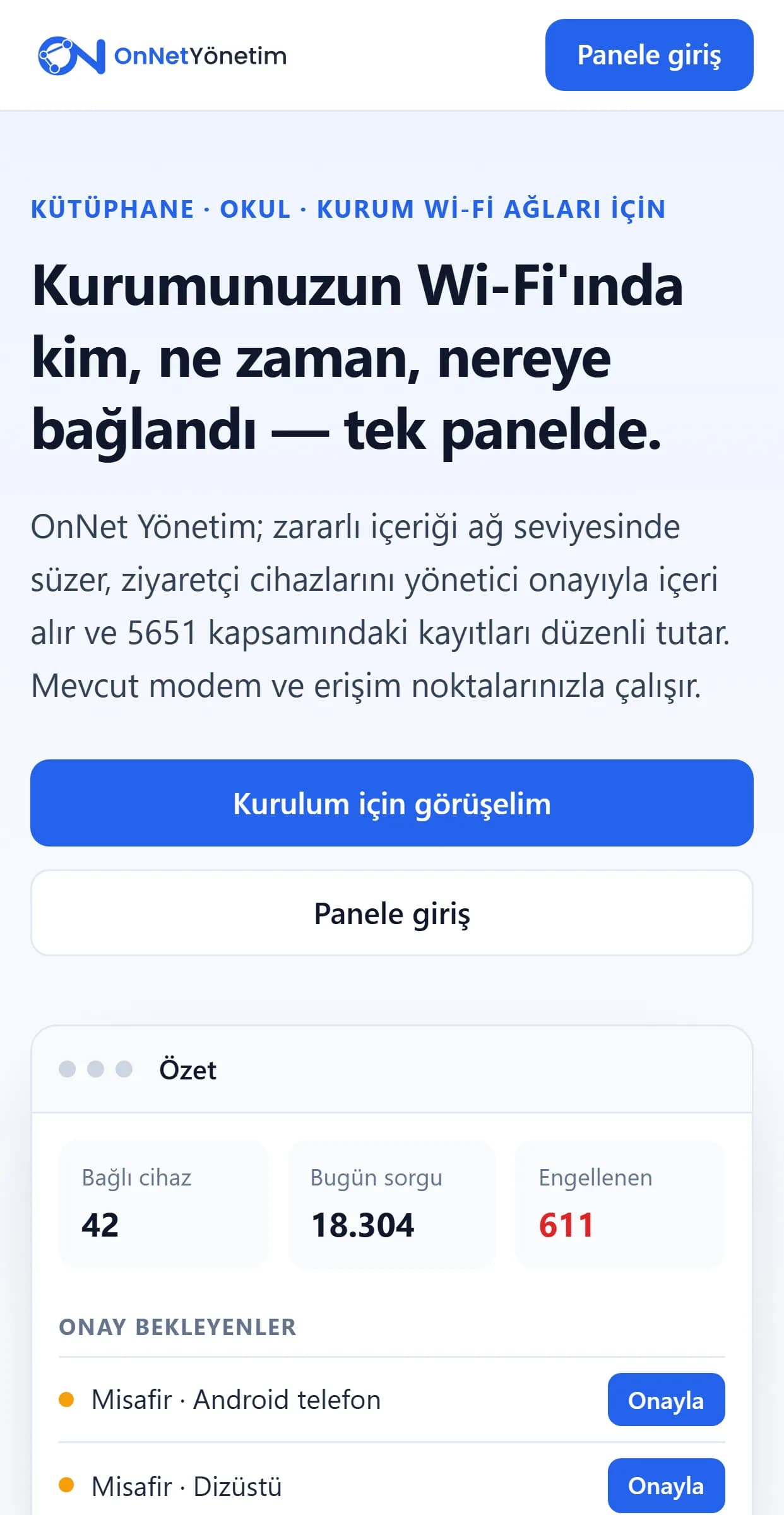
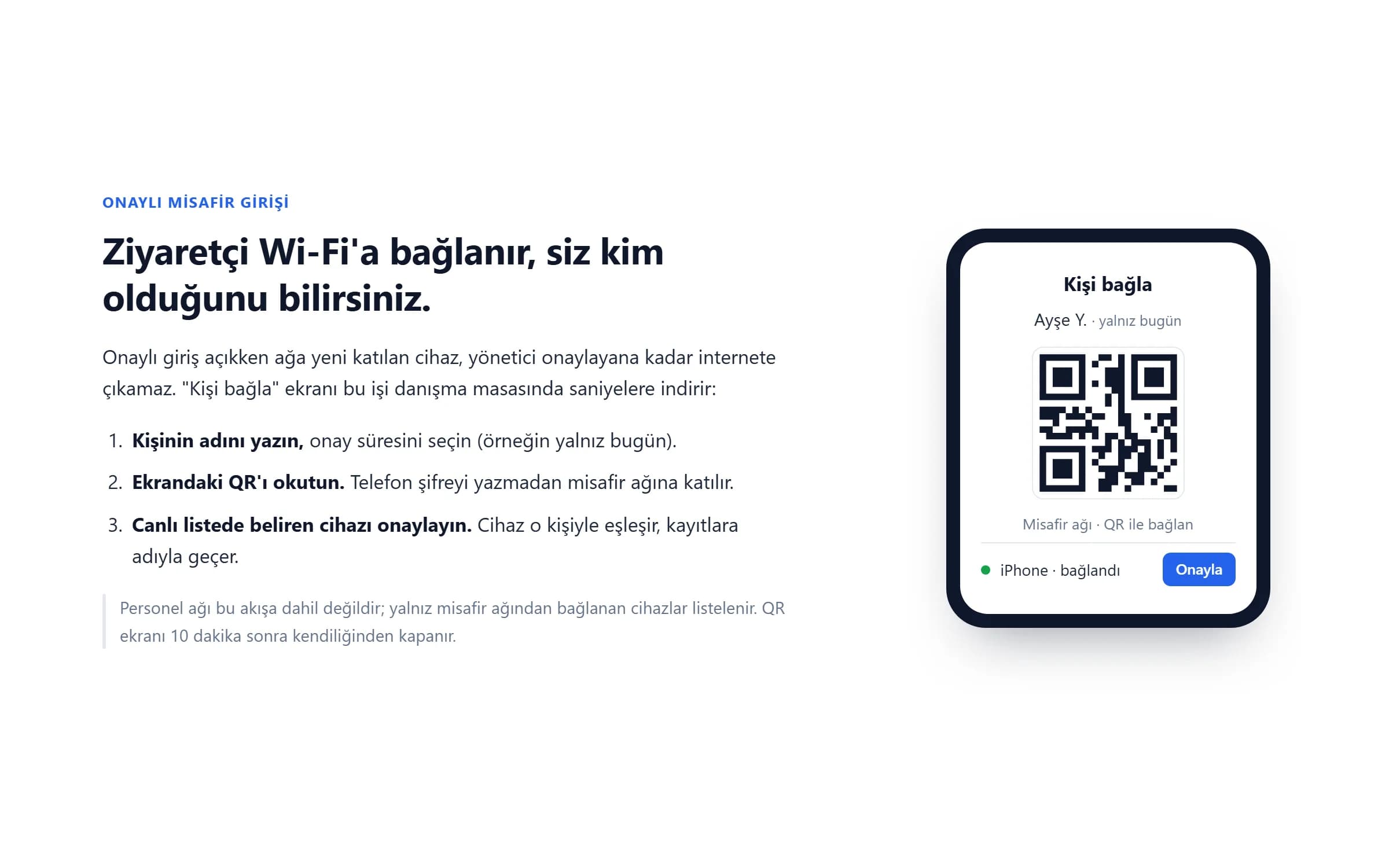
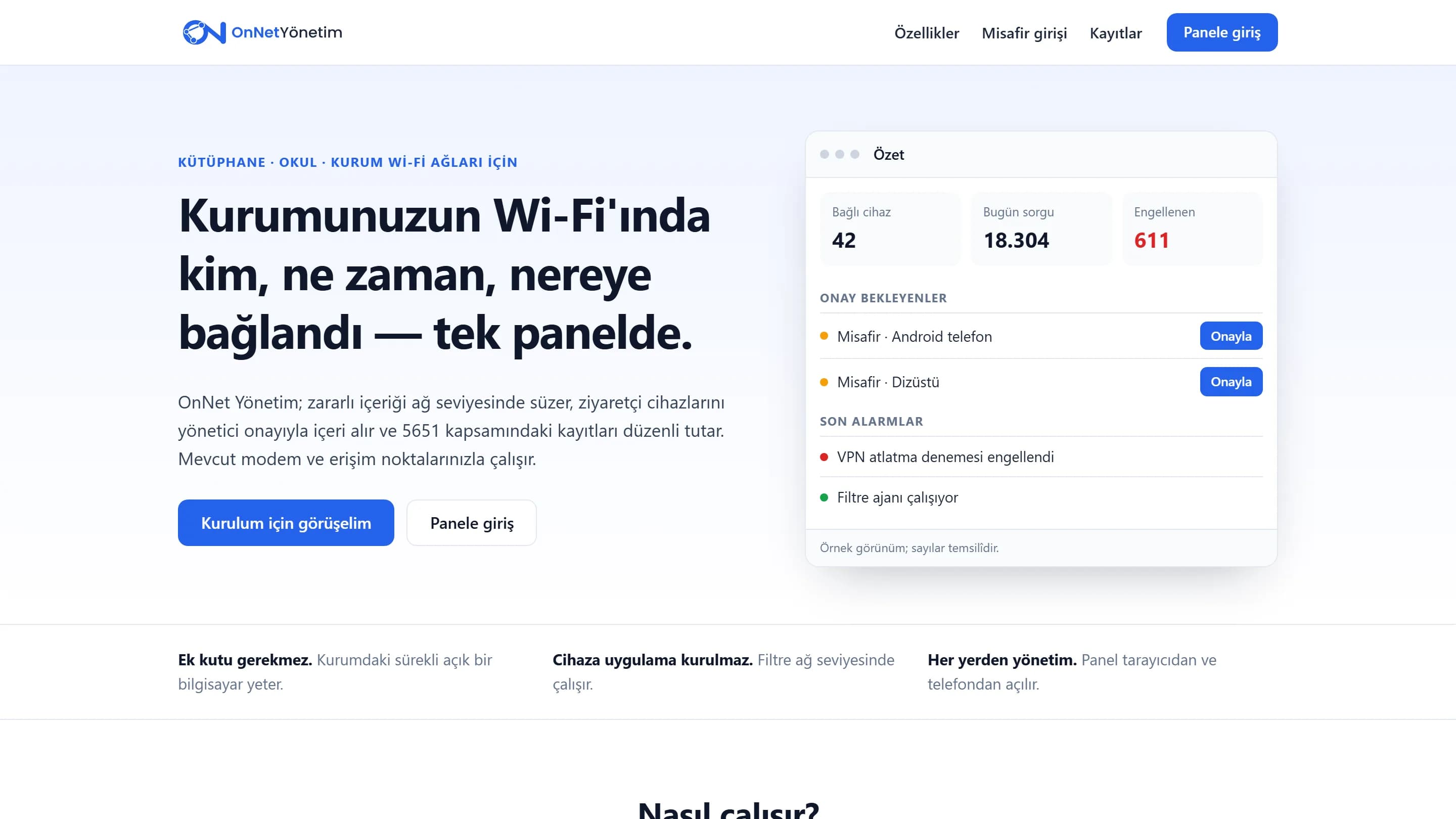
A small agent runs on an always-on computer at the institution, and the router points the network's address lookups to it. The agent blocks harmful domains at network level and catches attempts to bypass it with VPNs or encrypted DNS, raising them as alerts in the panel. With approved access on, a new device stays offline until an admin approves it; on the "Connect a person" screen the visitor's name is typed, a QR code is scanned and the device is matched to that person. IP lease, access and admin logs are kept in order.
Approach
It had to work without buying a new box and without installing anything on visitors' devices: the router and access points stay as they are. The panel was kept simple enough for front-desk staff to use without training; approving a guest takes seconds. Because the system holds personal data, access is limited to authorised admins, the agent's endpoints are closed to the internet, and protected devices such as the router, servers and cameras are never cut off.
Screens